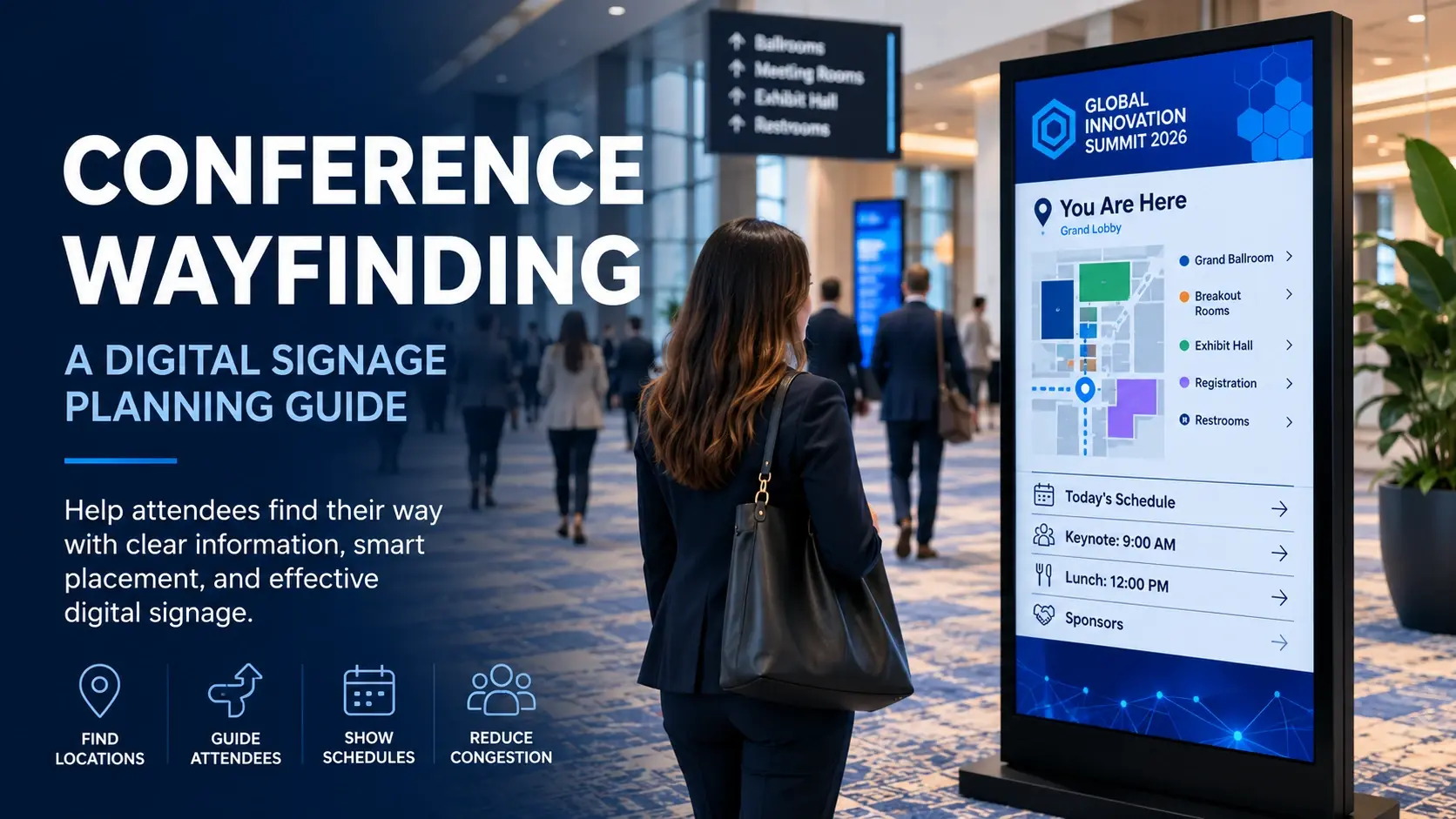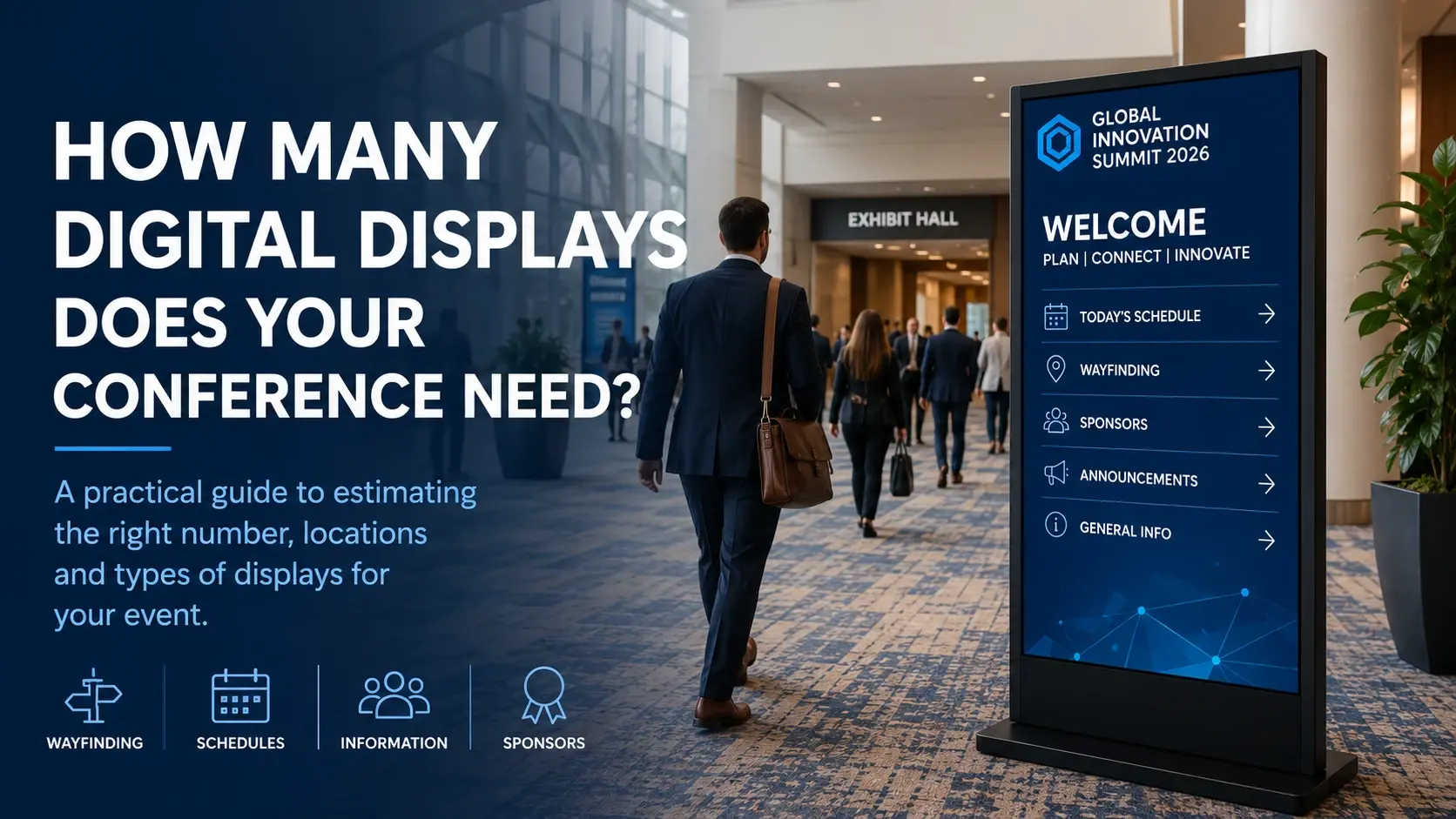
There's no universal formula for how many digital displays a conference needs.
A 500-person meeting concentrated around one ballroom may need fewer displays than a 300-person conference spread across multiple floors, breakout rooms, and exhibit areas.
Instead of starting with attendee count alone, estimate your display requirements based on attendee movement, venue layout, information needs, and the number of important decision points throughout the event.
Here's a practical way to approach it.
Start With the Venue, Not a Screen Count
Before deciding how many displays to use, look at how your event occupies the venue.
Consider where attendees will:
- Arrive
- Register
- Enter the main meeting area
- Find breakout sessions
- Visit exhibits
- Attend meals or networking functions
- Move between floors or buildings
- Leave for transportation or off-site activities
Each transition can create an information or wayfinding need.
A conference occupying one compact meeting area might require only a few strategically positioned displays.
An event spread across a large resort or convention property may require displays at several points along the attendee journey.
Map the Attendee Journey
Start with the same attendee journey we discussed in our Conference Digital Signage Planning Guide:
Arrival → Registration → Orientation → Sessions → Exhibits → Networking → Departure
Now place that journey over your venue floor plan.
Ask a simple question at each stage:
What does the attendee need to know here?
If attendees arrive at the lobby and registration isn't immediately visible, that's a potential display location.
If they leave registration and must choose between several corridors, that's another.
If six breakout rooms share a hallway, one strategically located schedule display might serve several rooms.
This exercise usually produces a better display estimate than choosing a quantity based only on attendance.
Registration and Arrival
Registration is usually one of the highest-value locations for digital signage.
Attendees may need:
Welcome messaging
Confirm that they've arrived at the correct event.
Registration directions
Identify check-in areas or registration categories.
Opening information
Show the first general session, breakfast, exhibit opening, or other immediate next step.
Sponsor recognition
Introduce major event sponsors without adding additional physical signage.
For a small event with one clearly defined registration area, a single prominent display may be sufficient.
Larger registration environments may benefit from multiple displays positioned according to how attendees approach and move through the area.
The important question isn't simply “How many registration displays?”
It's:
“Can attendees see the information they need from every major approach to registration?”
General Sessions and Ballrooms
Ballroom entrances are another common display location.
A display outside a general session can communicate:
- Session name
- Start time
- Speaker information
- Sponsor recognition
- What's happening next
- Room changes or announcements
If several ballrooms or major meeting spaces are widely separated, each may need its own information point.
If several spaces share a central foyer, fewer strategically positioned displays may serve the area effectively.
Breakout Rooms and Meeting Corridors
Breakout areas require a different approach.
Putting a digital display outside every meeting room may be unnecessary.
Instead, look for locations where attendees make decisions.
For example, one display at the entrance to a breakout corridor could show:
Room A — Session 1
Room B — Session 2
Room C — Session 3
Additional displays may then be appropriate farther down the corridor if the area is large or difficult to navigate.
This is another reason why venue layout matters more than a simple attendee-to-screen ratio.
Exhibit and Sponsor Areas
Exhibit halls create additional opportunities for digital displays.
Displays near exhibit entrances can provide:
- Exhibit hours
- Sponsor recognition
- Featured exhibitors
- Maps or directories
- Upcoming activities
- Networking information
Interactive kiosks may also make sense when attendees need to search an exhibitor directory, explore a map, find products, or interact with event information.
If attendees only need to view information, however, a standard non-touch display is often the simpler choice.
Wayfinding Decision Points
One of the easiest ways to identify display locations is to look for decision points.
A decision point occurs whenever an attendee must decide where to go next.
Examples include:
- Lobby intersections
- Elevator landings
- Escalator exits
- Meeting-floor entrances
- Long corridor intersections
- Transitions between hotel and convention areas
- Exhibit-hall entrances
These locations can be more valuable than simply placing displays evenly throughout a venue.
A display should appear where information helps someone make a decision.
Consider Viewing Direction
Display quantity can also depend on which direction attendees approach from.
One display facing attendees leaving registration may not be visible to people approaching from elevators on the opposite side of the lobby.
In some locations, two displays serving opposite traffic directions may work better than one centrally positioned screen.
When reviewing the venue floor plan, consider not only location but also:
Where are attendees coming from?
and
When will they see the display?
Don't Use Attendee Count as the Only Formula
Attendance matters, but it shouldn't determine display quantity by itself.
Consider two hypothetical conferences.
Conference A
500 attendees
One ballroom
One registration area
Four nearby breakout rooms
Compact meeting footprint
Conference B
300 attendees
Two meeting floors
Multiple ballroom areas
Ten breakout rooms
Separate exhibit area
Registration in the hotel lobby
Conference B may reasonably require more displays despite having fewer attendees.
The physical event environment and attendee journey usually tell us more than attendance alone.
Think About What Each Display Will Do
Before adding another display, assign a purpose to it.
For each proposed location, document:
Location
Where will the display be positioned?
Audience
Who is expected to see it?
Purpose
Wayfinding, schedule, welcome, sponsor recognition, announcement, interactive information, or another function?
Content
What should appear on it?
Timing
Does the content remain the same all day or change throughout the event?
If you can't clearly answer those questions, reconsider whether that display is necessary.
Portrait or Landscape Displays?
Orientation can affect placement as much as quantity.
Portrait floorstanding displays work particularly well in conference corridors, registration areas, ballroom entrances, and other locations where floor space is limited.
Landscape displays may make sense when presenting wide schedules, maps, video, presentations, or other content designed for horizontal viewing.
The content and physical environment should determine orientation—not simply which equipment happens to be available.
When Does a Touchscreen Make Sense?
Touchscreens should be used when interaction provides a meaningful benefit.
Examples include:
- Searchable agendas
- Exhibitor directories
- Interactive maps
- Product exploration
- Surveys
- Lead capture
- Self-service information
For welcome messages, schedules, sponsor rotations, announcements, and simple wayfinding, a non-touch display is often sufficient.
This distinction can help control both equipment requirements and unnecessary complexity.
Build a Display Location Plan
For larger conferences, create a simple display plan before deployment.
A spreadsheet can be enough.
For each display, record:
Display ID → Venue Location → Orientation → Purpose → Content → Power/Network Requirements → Installation Time
For example:
Display 01 → Registration → Portrait → Welcome + Agenda
Display 02 → Ballroom Foyer → Portrait → General Session
Display 03 → Breakout Corridor → Portrait → Wayfinding
Display 04 → Exhibit Entrance → Touchscreen → Exhibitor Directory
This becomes useful not only during planning but also during delivery, setup, content verification, event-day changes, and pickup.
Planning Display Requirements for an Orlando Conference?
Large Orlando resorts and conference hotels can have extensive meeting footprints, multiple ballroom areas, long corridors, and several levels of meeting space.
That makes attendee flow and venue layout especially important when estimating display quantities.
iMediaSign provides professional floorstanding digital displays and touchscreens for conferences, meetings, trade shows, and corporate events throughout Orlando and Central Florida, including delivery, setup, placement, and content preparation.
If you're still designing the overall attendee communication experience, explore our Conference & Meeting Technology solutions.
If you've already identified your display locations and need equipment for an upcoming event, explore Event Display Rentals.
And if you have your event dates, venue, and approximate requirements, you can Request a Quote.